Dashboards and Tools
Installing a Stealth Server
Configure a stealth service carefully and understand where it fits into your setup.
Download Your Stealth Server
Do not disable live block in your launch.ini or in Dashlaunch if an rgh console, your stealth server will automatically disable live block when its ready to connect to Xbox Live
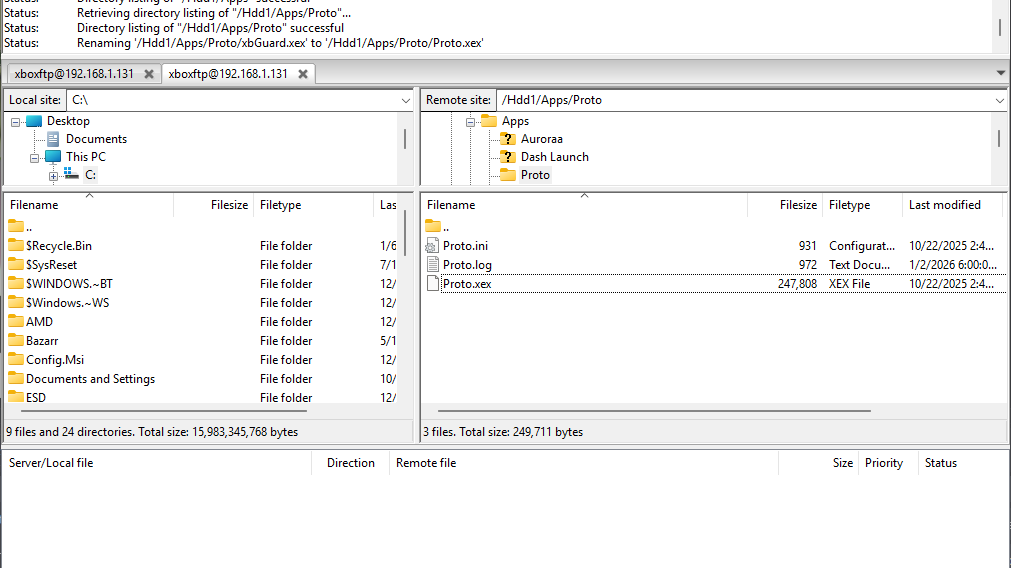
- Starting off download xbGuard
- Make a folder on the root of your flash drive named Apps and make a folder named xbGuard and put the xex files inside of it, should be xbdm.xex, xbGuard.xex and jrpc2.xex, don't include the launch.ini you can discard that
you can download any stealth you want, im using xbGuard as my main
Adding xbGuard to Dashlaunch
this part is only for RGH consoles only
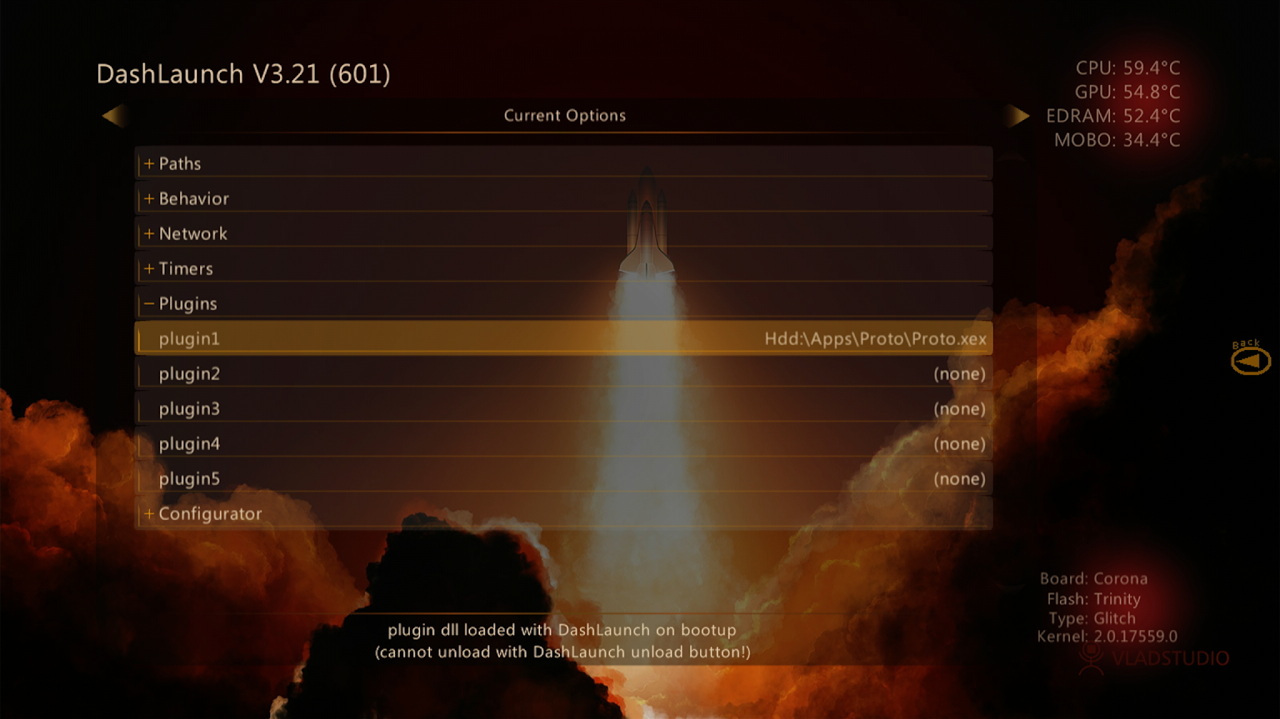
- Open up Dashlaunch and go to plugins
- Under plugin one select the xex file for xbdm
- For plugin two select xbGuard
- For plugin three select JRPC2
- Press RB go to HDD and press X to save and reboot console
Adding xbGuard for BadUpdate
- For Badupdate users, open up your launch.ini file and find the section where it shows plugins
- On the plugins lines it should look something like this
  plugin1 = Usb:\Apps\xbGuard\xbdm.xex
  plugin2 = Usb:\Apps\xbGuard\xbGuard.xex
  plugin3 = Usb:\Apps\xbGuard\JRPC2.xex
- Save the file and load BadAvatar
Connect to Xbox Live
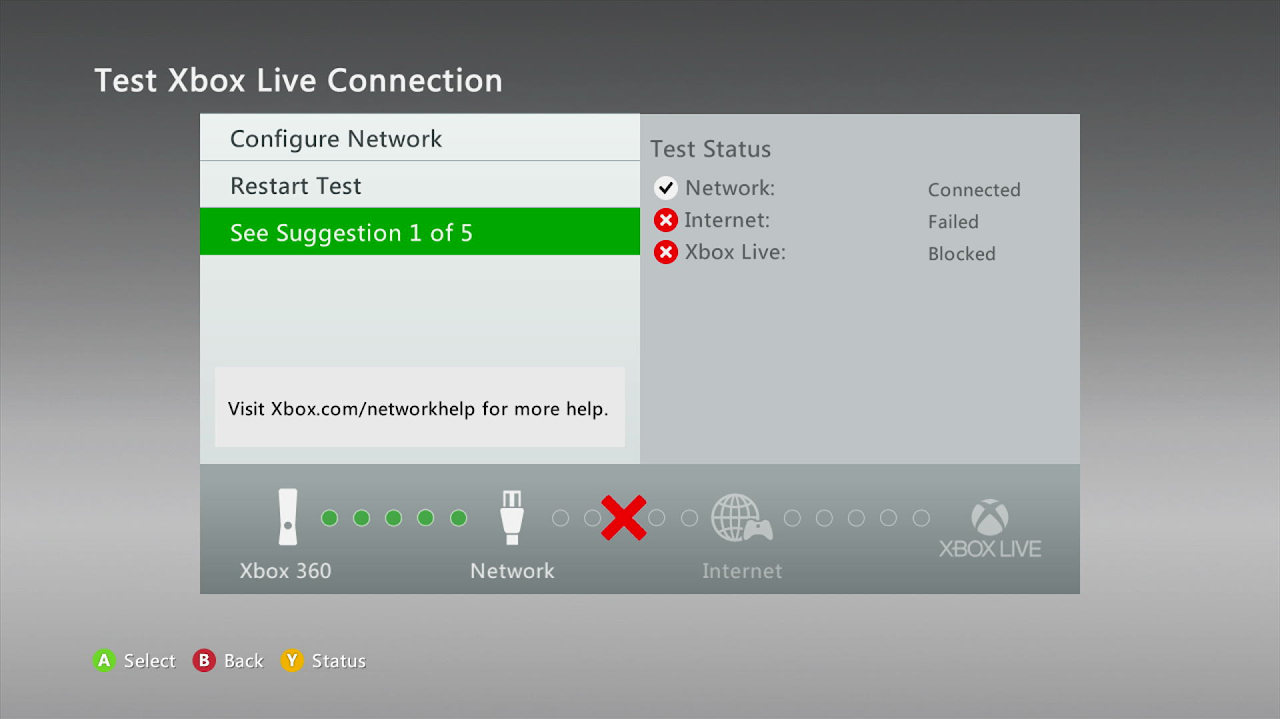
Last you need to connect to Xbox Live